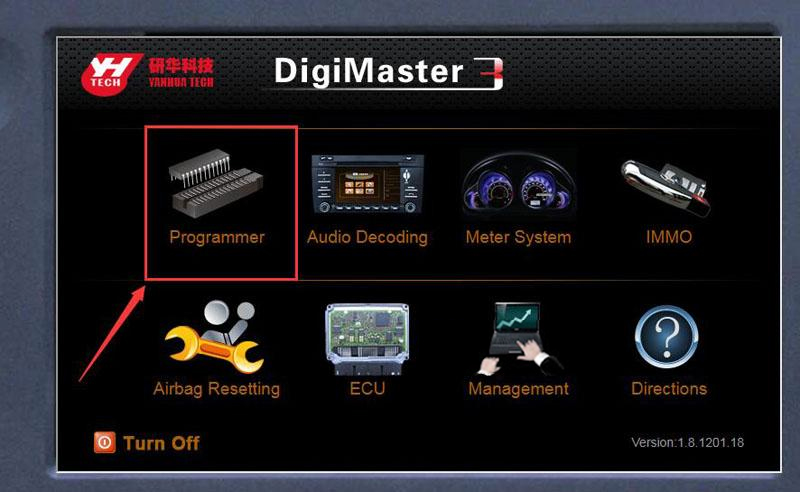
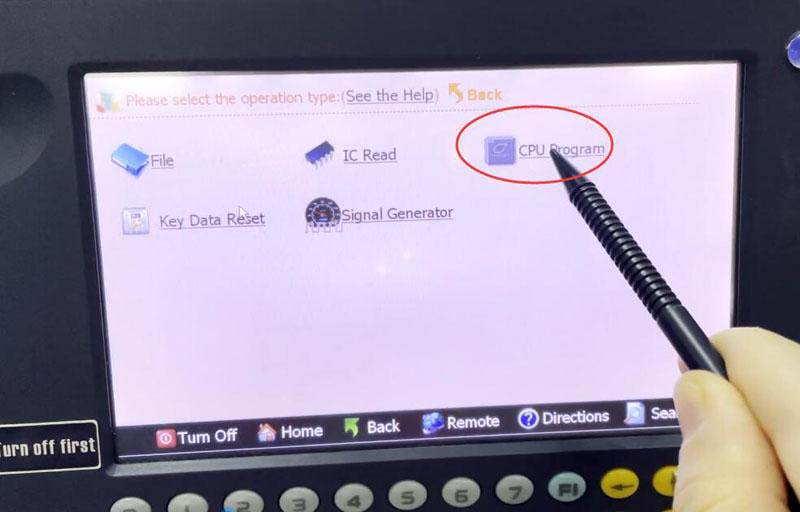
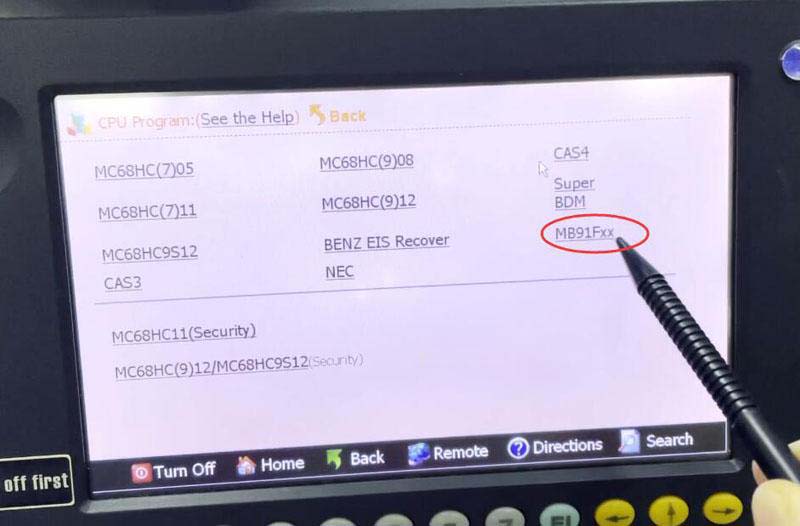
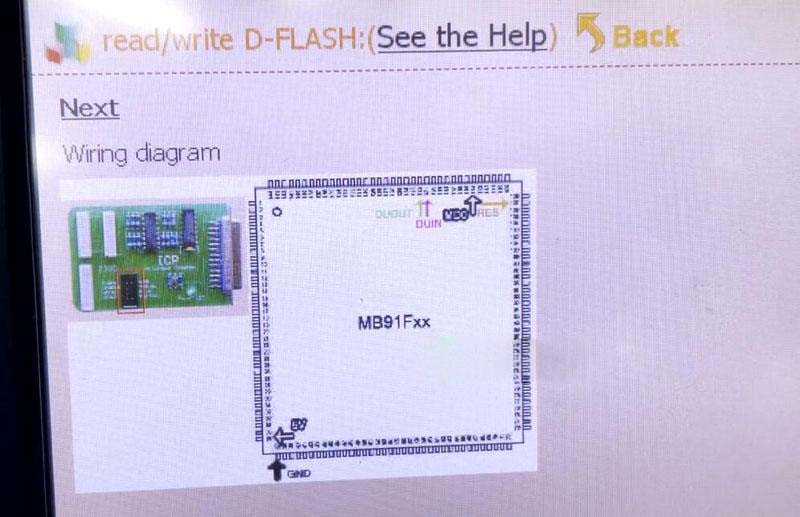
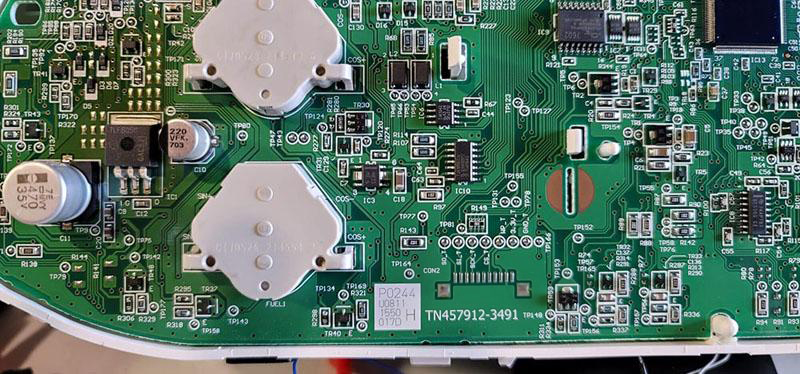
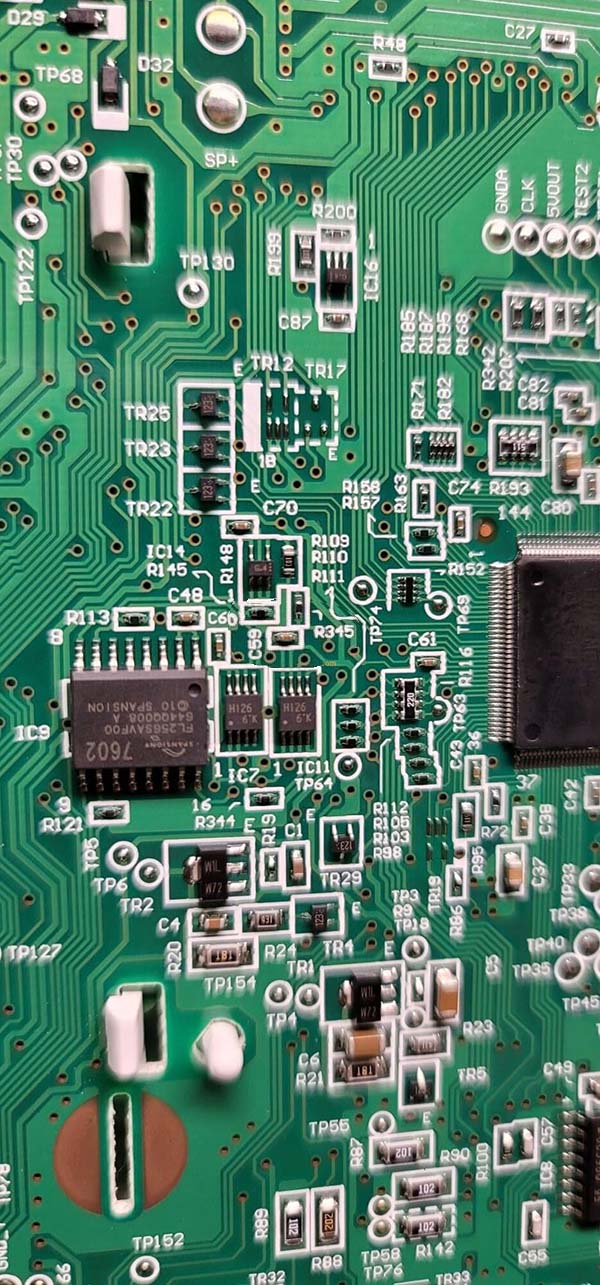
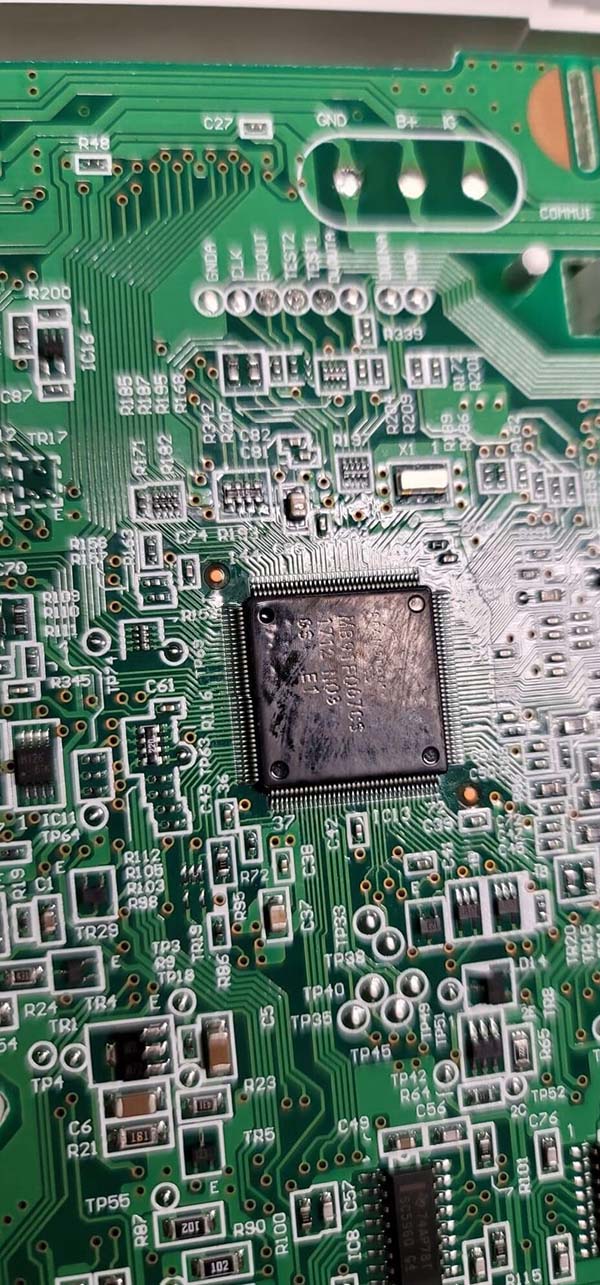
Original Digimaster 3 also called Digimaster III or shortly D3 works with various types of adapter you can easily achieve odometer correction, Audio decoding, airbag resetting, engine ECU resetting, IMMO, programming key for Benz &BMW etc.
After update EBOOT, it is necessary to update kernel.
Tips: Before update EBOOT, please install D3 TOOL first.
Step 1: Press button number 8 and button OK at the same time, and turn the power on. When you see “Press OK to confirm and continue update Firmware” press OK, then it enter the procedure of updating.
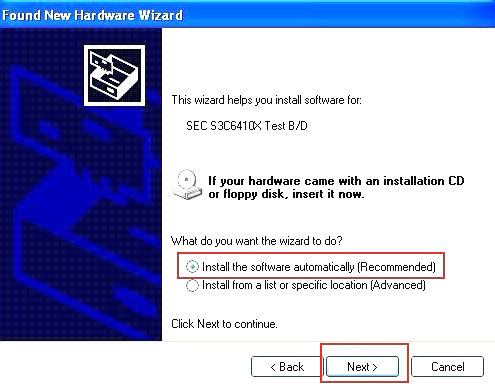
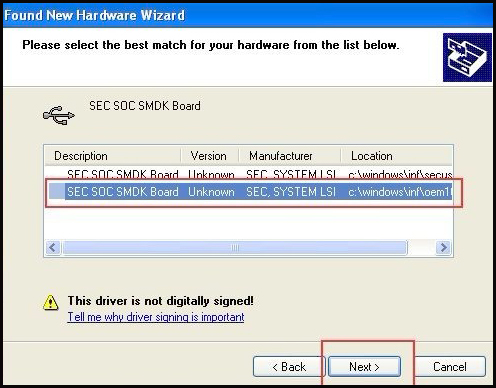
Step 2: Connect D3 with a computer through Mini USB (purple color), you can see a tip “Found New Hardware wizard”.As the image shown below.

Step 3: Choose “install the software automatically”, click “click”
Step 4: If DIGIMASTER 3 have been installed already, choose the second “SEC SOC SMDK Board” in dialog box as shown below, and click “Next” to complete driver installation.

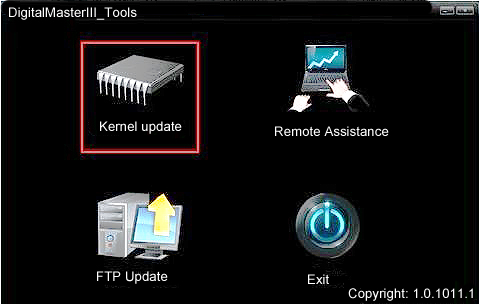
Step 5:Double-click Digimaster 3 PC Tools and choose “Kernel Update”.


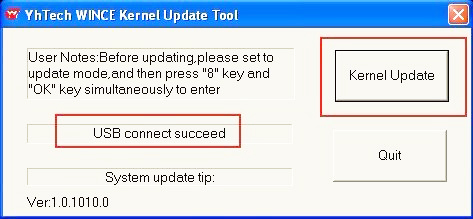
Step 6: Make sure the purple Mini USB is connected, then you can see ” USB connect succeed”

Step 7: click “Kernel Update” and choose “EBOOT_20110427.bin” then click “OK” to start EBOOT program update.
Step 8: After 10sec. the DIGIMASTER 3 screen appears a twinkling red ‘YH’ logo which means EBOOT update is complete.
After update EBOOT successfully, please turn the power off digimaster 3 and choose a appropriate way to update the kernel.
Be attention : Please uninstall the anti-virus software and firewall temporarily in order to run the software normally.
For more details and request, welcome to check our website directly : www.obd2tool.com